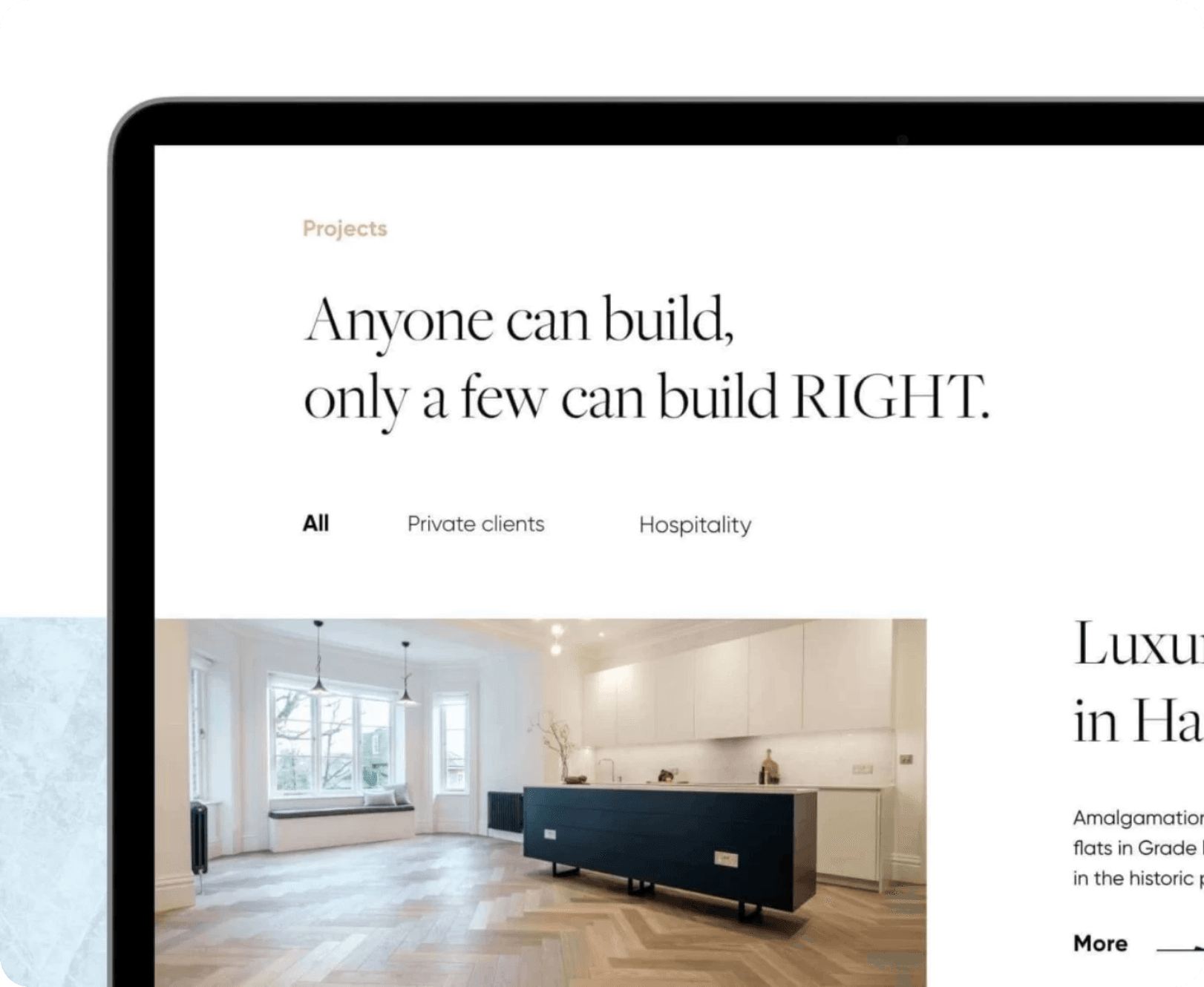
Social media image dimensions

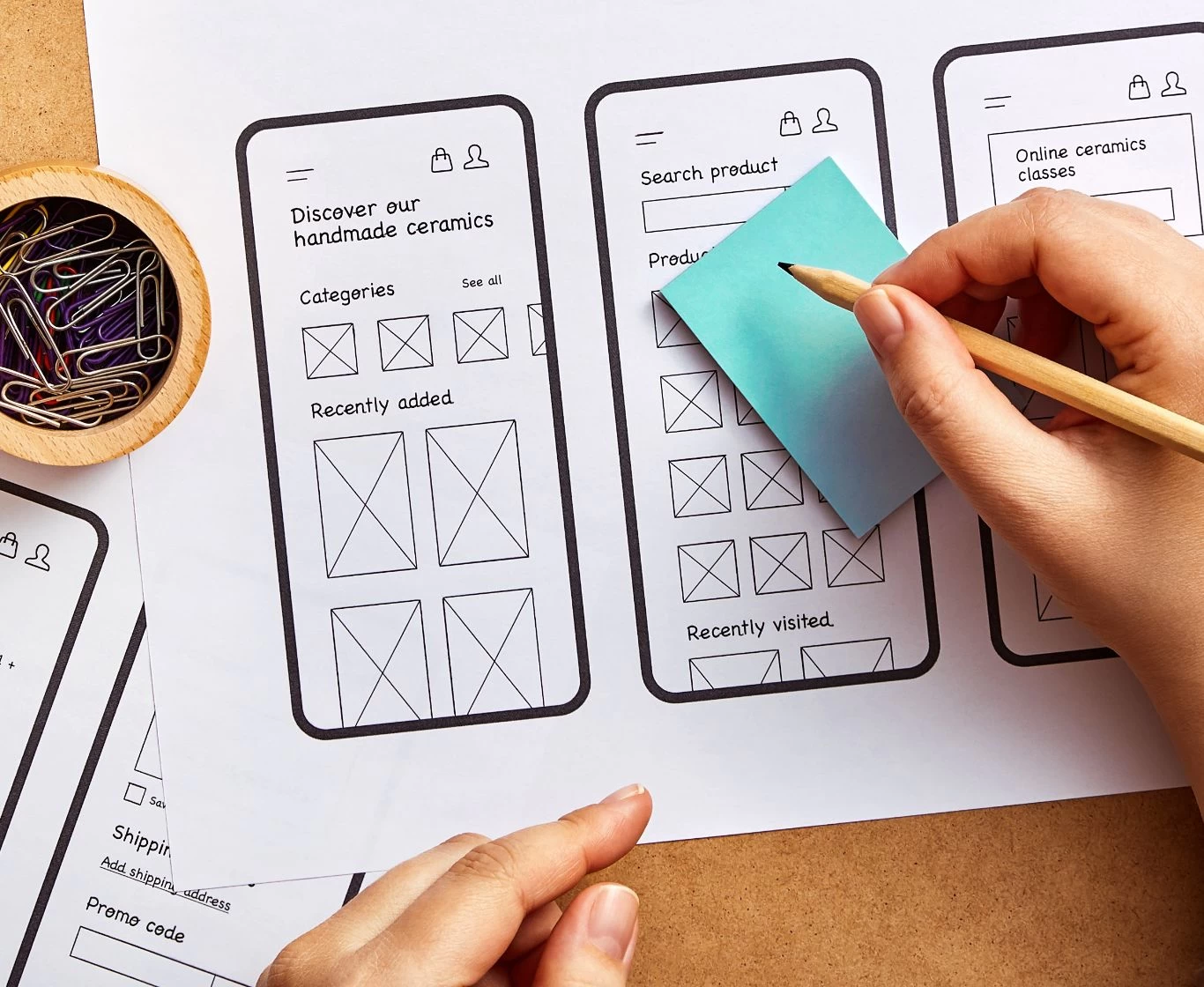
Find out which dimensions social media ‘prefers’. Adjust the size of your photos to match the recommended image dimensions. Below, we’ve put together some tips on what to focus on when creating posts.
Change the format of the graphics
Remember that the success of your posts depends largely on quality. You should be aware that the portal automatically resizes larger JPG files, which causes the images to lose quality. When you use PNG, you avoid a loss of sharpness whilst maintaining the highest possible image quality. Don’t forget to change the format from JPG to PNG.
Size matters matters
And they’re significant. Firstly, images with the correct dimensions adapt best to the devices (mobile, desktop) on which they’re displayed. Secondly, you achieve an attractive layout – the image isn’t blurred, cut off, cropped or stretched. Thirdly, thanks to certain image dimensions, you can create more interesting and entertaining posts that will engage your audience and make your profile more appealing.
Ideal dimensions for a fan page
If you run a fan page or a business account on Facebook and have so far been choosing the size of your photos for Facebook posts intuitively – this information will transform the quality of your posts once and for all! Did you know that… the platform recommends specific dimensions for different types of posts? By sticking to the aspect ratios shown below, you’ll ensure they’re fully visible.
Profile picture: at least 170 x 170 px.
Optimal size: 500 x 500 px or 800 x 800 px.
Photo in the background (cover photo): desktop – 820 x 312 px, mobile – 640 x 360 px
Background of the event: 1200 x 628 px
Background for the group: 1640 x 856 px
Portrait photo: 640 x 960 px [2:3].
Landscape photo: 1200 x 900 px
Square image: 1200 x 1200 px

Advertising campaigns
When designing an advert, don’t count on Facebook Ads for help. Remember, the platform doesn’t care if it crops the model’s head off or removes a section containing your brand’s slogan. When managing your ad space, follow Facebook’s ‘preferences’.
Link thumbnail (linkpost): 1200 x 628 px.
Carousel advert: min. 600 x 600 px, optimal 1080 x 1080 px.
Slideshow: high resolution [16:9].
The high quality of your visuals is sure to be noticed and appreciated on social media. Do you post on Instagram? Well, you should know that this platform has its own preferred criteria too. If you meet them, it will reward you with sharp photos and attractive compositions.
Profile picture: 110 x 110 px.
Shared photos: 1080 x 1080 px (max 1936 x 1936 px).
Horizontal image: 600 x 315 px.
Vertical image: 600 x 750 px.
Instagram Stories: 1080 x 1920 px.
Each time, check which dimensions work best for your photo. Adjusting the image doesn’t take long, but it significantly improves how it’s received. Be clear, and you’ll achieve clear results!